
Adding Facebook Pixel and Custom Code Snippets
Add tracking pixels or any custom code to your AgentLoft site — no developer required — using Custom Snippets. The most common use is the Facebook (Meta) Pixel for ad retargeting.
Add the Facebook Pixel
- In AgentLoft, go to Settings (gear icon) → Custom Snippets.
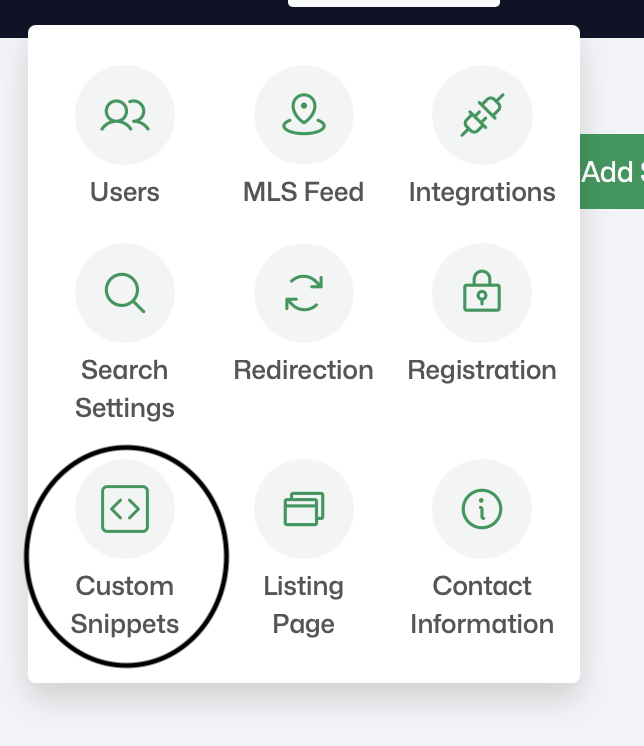
Settings menu — Custom Snippets option
- Click Add Snippet.
- Enter a Snippet Name, set the Snippet Position (e.g., Inside
<head>), and paste your Facebook Pixel code into the Snippet Code field. - Click Update to save.

Add Snippet form — name, position, and code fields
The same steps work for any third-party script — analytics tools, chat widgets, or other tracking codes. Just paste the code and choose where it loads.
Related articles
- Connecting Follow Up Boss (2-way sync)
Need help? Email support@agentloft.com.